
Luvia for iPhone
Break the
scroll reflex.
You don't decide to waste an hour. Your thumb opens the app before you catch it. Luvia puts a real guardrail between the reflex and the feed — so scrolling becomes a choice again.
Takes about 2 minutes · Built on Apple's Screen Time · Private by design
hours a day
That's how long people spend on their phones — mostly in moments they never chose. And the app time is the small part: after a single interruption it takes 20+ minutes to fully find your focus again.
Data.ai Mobile Report 2022 · Workplace interruption research (Mark et al., CHI 2005)
The real enemy
This is not weakness.
Apps are built to become automatic. The loop trains itself:
You don't beat a reflex by arguing with it. You interrupt it earlier.
How Luvia works
Luvia blocks it for you.
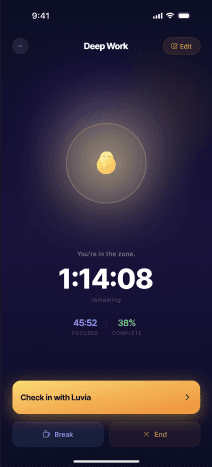
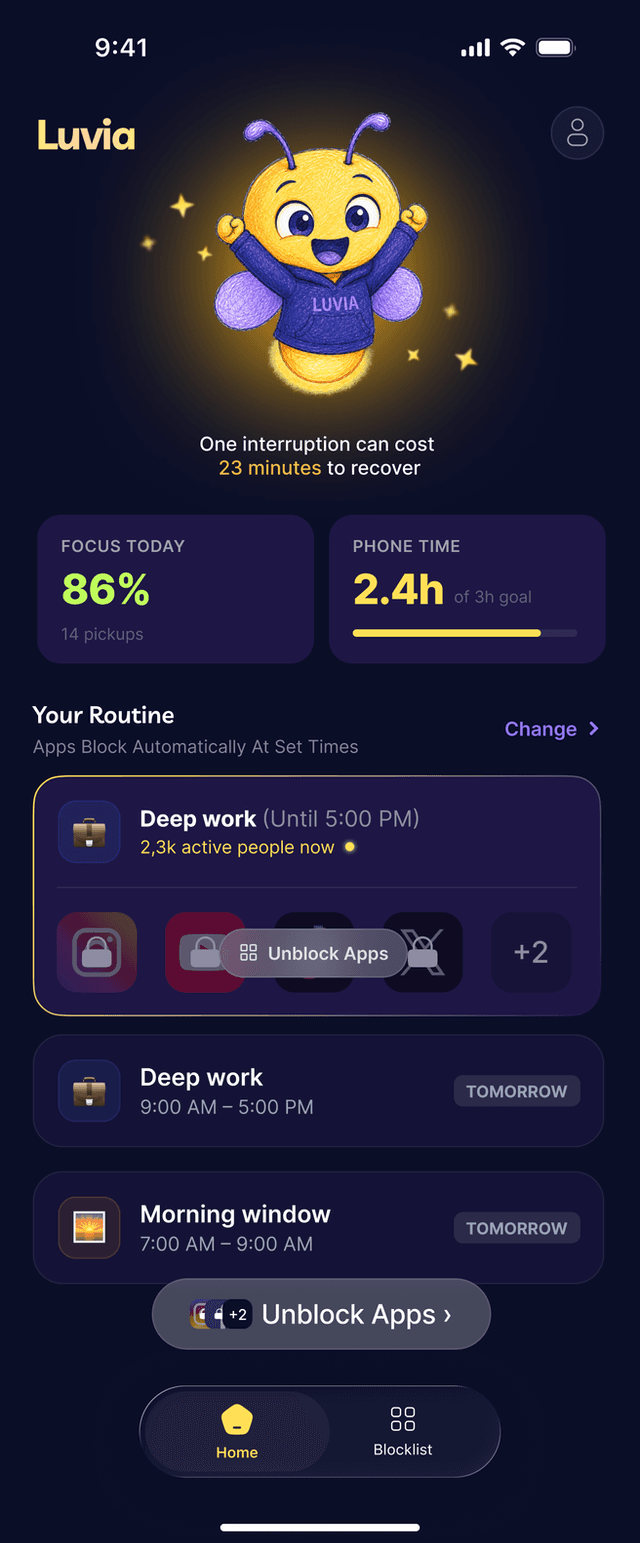
Screen Time asks. Luvia blocks. Your apps lock on a schedule you set once — and the firefly keeps watch while you get your time back.
01
Build your routine.
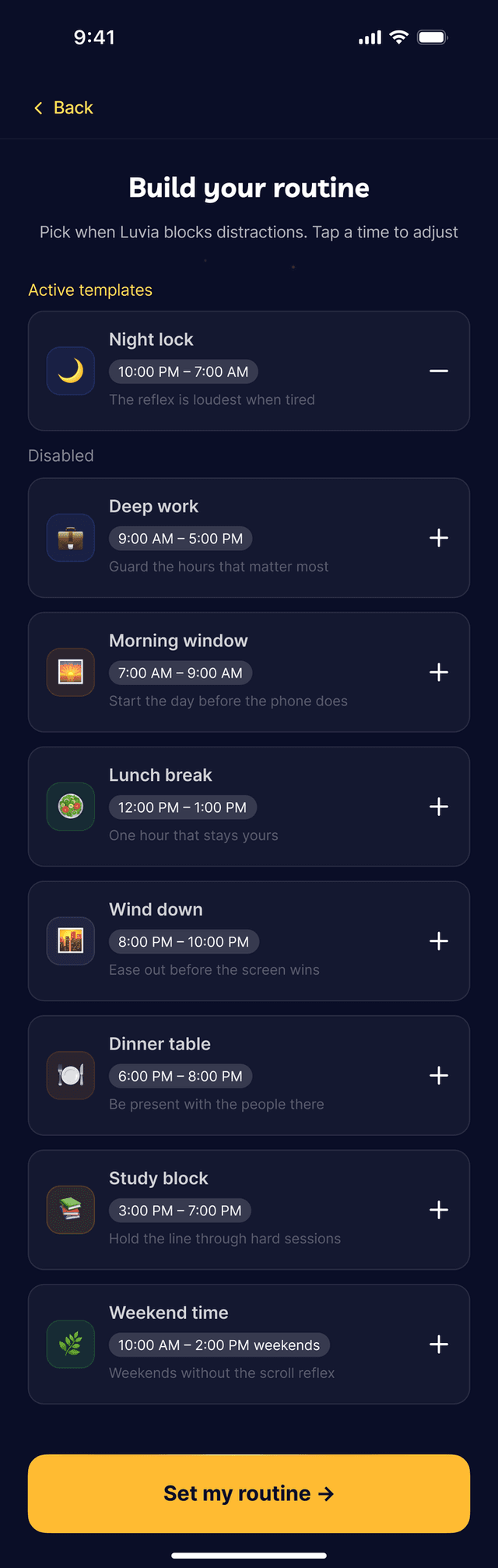
Pick when Luvia blocks distractions — deep work, mornings, wind-down, night. Set it once and it repeats on its own.
- ✦ Ready-made blocks like Night lock and Deep work
- ✦ Tap a time to adjust it
- ✦ Choose which apps each block covers
02
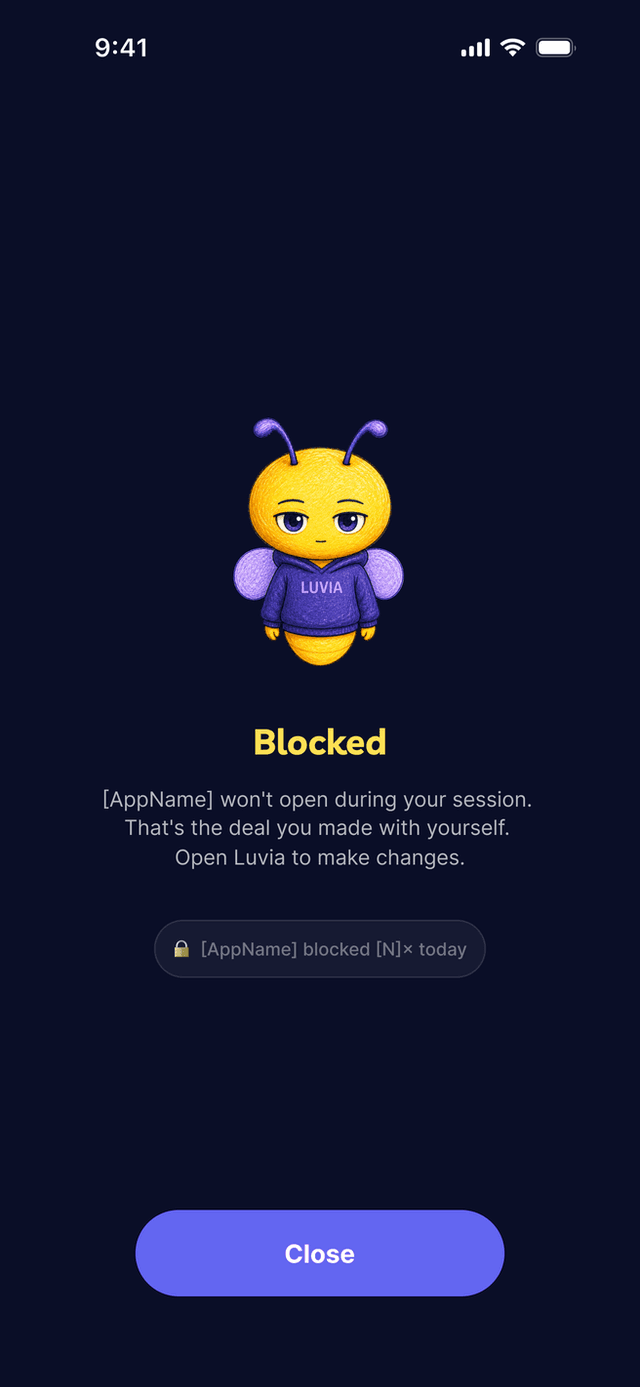
Blocked means blocked.
During a session, a blocked app just won't open. No Ignore button, no "five more minutes." That's the deal you made with yourself — and Luvia keeps it.
Willpower has to win every time. Luvia only has to be set once.
03
Watch the time come back.
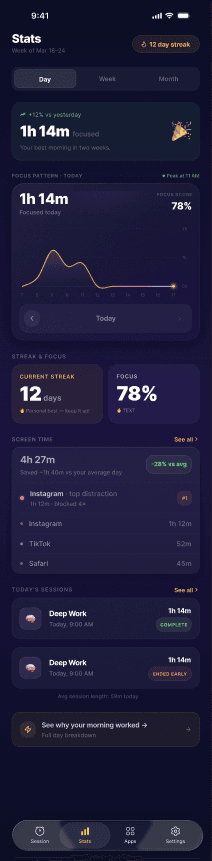
Focus score, streaks, and a day report that shows what you actually got back — where the reflex hit, where the guardrail held, and how your mornings changed.
- ✦ Daily focus score and streaks
- ✦ Blocked-attempt counts per app
- ✦ Weekly focus report to your inbox
More than a blocker
A companion, not a cop.
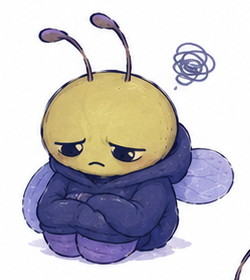
Luvia is the small warm light between you and the feed. No shame, no red graphs — a firefly that keeps you company while you take the hour back.

Guards your work
Deep-work blocks that hold the line between tasks.
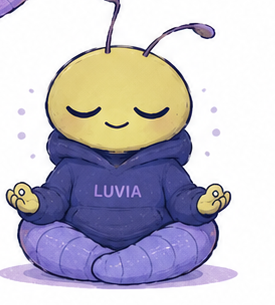
Keeps you calm
A pause instead of a fight, every time the cue fires.
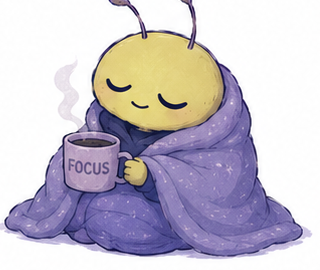
Ends your day clean
Evening wind-down blocks before tired-you negotiates.

Celebrates the wins
Streaks and milestones for every hour you take back.
Your apps, not your data.
Luvia blocks the apps you pick using Apple's Screen Time. It does not need your messages, browsing history, or what you do inside apps. It guards the door — it doesn't read your mail.
Why it works
Built on how attention actually breaks.
20+ min
After a single interruption, workers need 20+ minutes to fully return to the task. The app time is small — the climb back is not.
Mark et al., CHI 2005
One buzz
A single notification pulls attention even when you never pick up the phone. The interruption starts before the app opens.
Stothart et al., 2015
In sight
Just having your phone visible drains focus, even while you resist it. The best system doesn't wait for perfect self-control.
“Brain Drain”, Ward et al., 2017
FAQ
Fair questions.
How is this different from Screen Time limits?
Screen Time asks you nicely — and gives you an Ignore Limit button right when the reflex is strongest. Luvia uses Apple's Screen Time under the hood, but a running block is a real pause, not the instant tap-past loop.
Does Luvia read my messages or browsing?
No. Luvia blocks the apps you pick using Apple's Screen Time. It does not need your messages, browsing history, or what you do inside apps.
Will it feel punishing?
Luvia blocks only the apps you choose, in the windows you choose. Everything else works normally — calls, maps, messages. The firefly is a companion, not a cop.
Can I cancel?
Ending a block is a choice — and so is leaving. Cancel anytime from the app or by emailing support.
Turn scrolling back into a choice.
See where the reflex hits you hardest, then build a guardrail plan around it. Takes about 2 minutes.
Break the scroll reflexiPhone app · guided setup starts with the quiz